






Loading
Website Official Politeknik Negeri Kupang
  • Home
  • Tentang PNK
    • Visi dan Misi PNK
    • Sejarah
  • SAKIP
  • Akademik
    • Jurusan
      • Teknik Sipil
        • D3 Teknik Sipil
        • D4 Teknik Perancangan Jalan Dan Jembatan
        • D4 Teknik Perancangan Irigasi Dan Penanganan Pantai
      • Teknik Elektro
        • D3 Teknik Listrik
        • D3 Teknik Elektronika
        • D3 Teknik Komputer Dan Jaringan
        • D4 Teknik Instalasi Listrik
      • Teknik Mesin
        • D3 Teknik Mesin
        • D3 Teknik Mesin Otomotif
        • D4 Teknik Mesin Produksi Dan Perawatan
      • Administrasi Bisnis
        • D3 Administrasi Bisnis
        • D4 Manajemen Perusahaan
        • S2 Pemasaran, Inovasi dan Telnologi
      • Akuntansi
        • D3 Akuntansi
        • D4 Akuntansi Sektor Publik
      • Pariwisata
        • D4 Perhotelan
        • D4 Usahan Perjalanan Wisata
    • Jalur Penerimaan
      • Jalur SNBP
      • Jalur SNBT
      • Jalur Mandiri
    • Peraturan Akademik
    • Kalender Akademik
  • Layanan
  • Kontak
    • Bagian Humas
    • Bagian Akademik
  • Virtual Tour PNK
    • Virtual Tour Kampus PNK1
  • Informasi Publik
  • Gallery
  • Click to open the search input field Click to open the search input field Search
  • Menu Menu
  • Link to X
  • Link to Facebook
  • THIS IS THE EASY SLIDER

    The Easy Slideshow element allows you to setup a simple slideshow within seconds.

    Learn moreBuy Now!
  • YOU CAN SET UP YOUR CUSTOM CAPTION

    You can also choose between fade and slide transition, duration of slide interval and position.
    You can add any number of slideshows you want to a page.

    Learn moreBuy Now!
Previous Previous Previous Next Next Next
12
Previous Previous Previous Next Next Next
1234

Easy Slider Element

The Easy Slideshow element allows you to setup a simple slideshow within seconds, either at the top of your page, stretching across the whole viewport, or as a content element anywhere on the page.

You can choose between fade and slide transition, duration of slide interval and position.  You can add any number of slideshows you want to a page

Multiple Options

As you can see you can either set the slide animation to fade or to slide. You can also manually choose the slideshow image size from a predefined array of sizes that work well with the theme


Previous Previous Previous Next Next Next
12
Previous Previous Previous Next Next Next
12345

Use Graphics

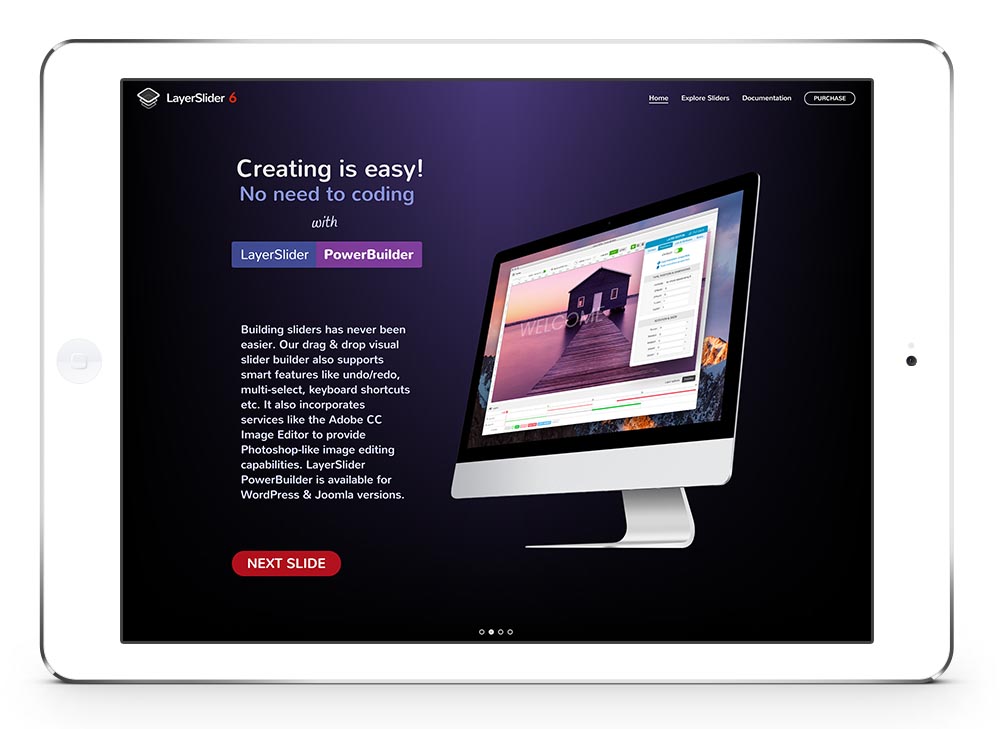
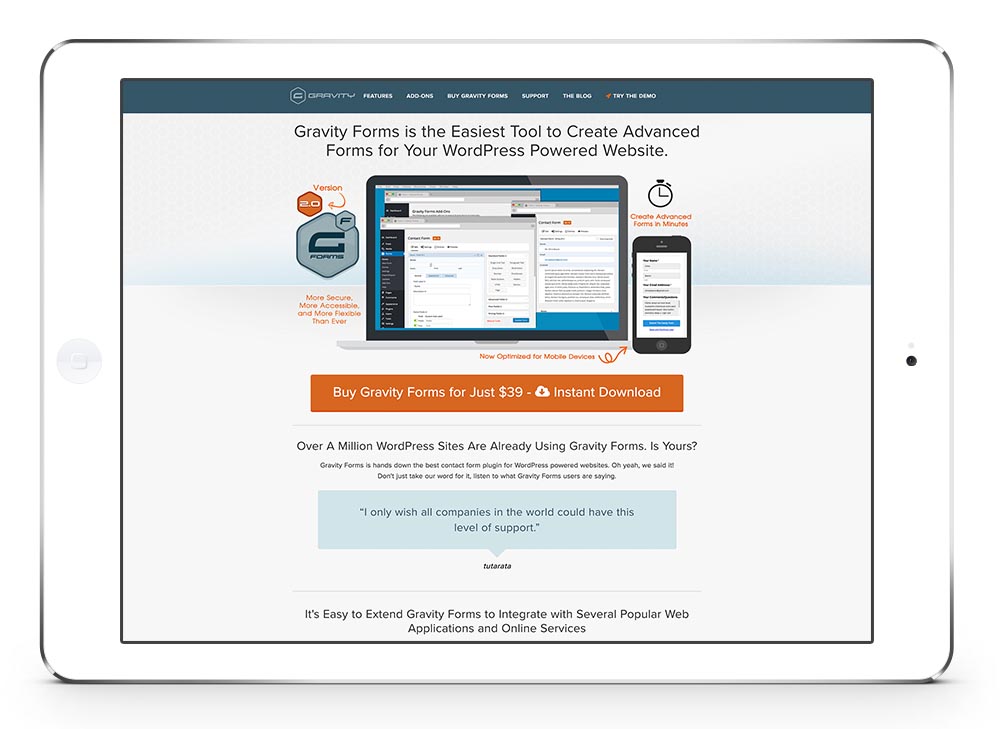
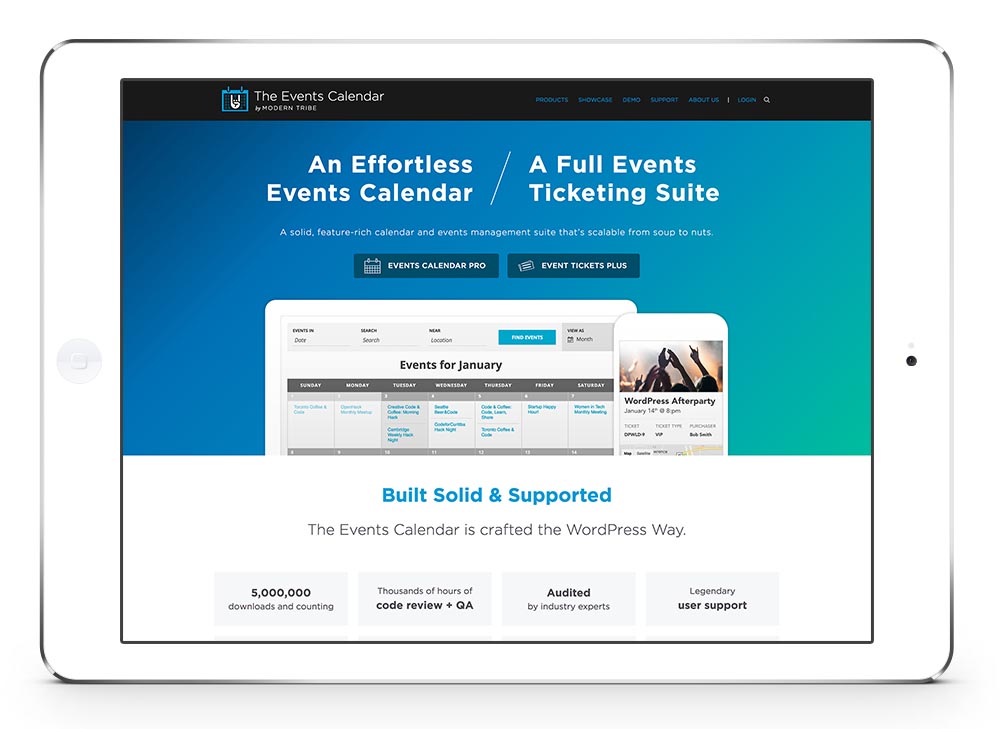
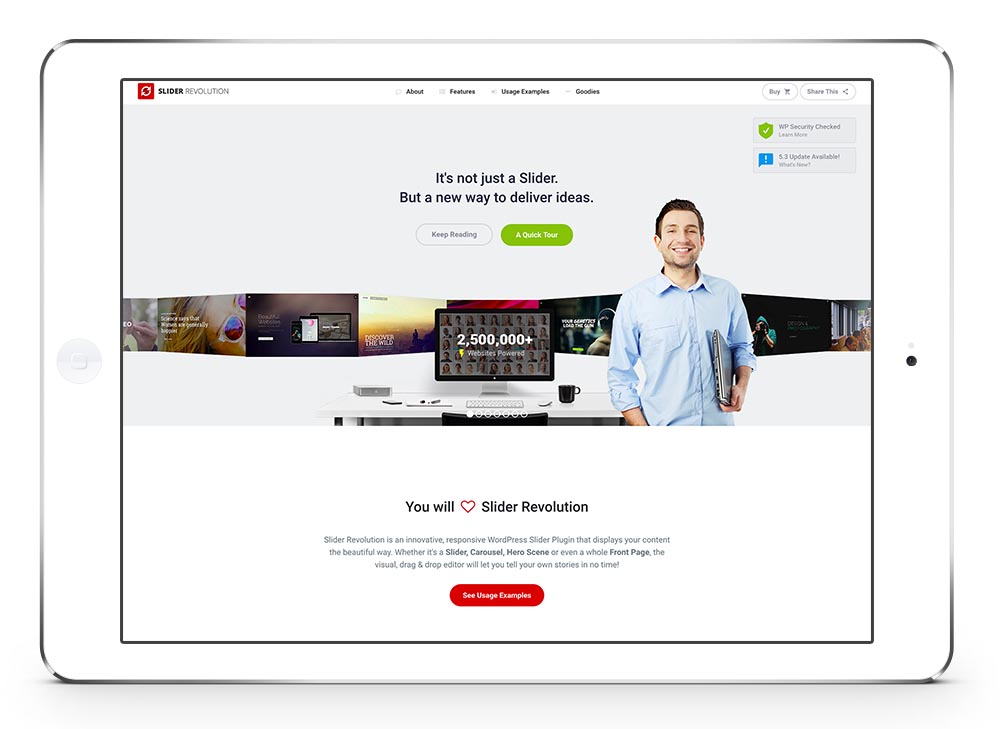
The slider works also well with graphics like an iPad or MacBook. Just create the slides in Photoshop and on your site it will look like only the display is changing.

  • Accordion & Toggles
  • Accordion Slider
  • Animated Countdown
  • Animated Numbers
  • Blog Posts
  • Buttons
  • Catalogue
  • Code Block
  • Color Section
  • Columns
  • Comments
  • Contact Form
  • Content Slider
  • Easy Slider
  • Featured Image Slider
  • Fullscreen Slider
  • Gallery
  • Google Maps
  • Grid Row
  • Headline Rotator
  • Icon
  • Icon Box
  • Icon List
  • Image
  • Image with Hotspots
  • Layerslider
  • Magazine
  • Mailchimp Signup
  • Masonry
  • Masonry Gallery
  • Notification
  • Partner/Logo Element
  • Portfolio Grid
  • Post Slider
  • Progress Bars
  • Promo Box
  • Separator/Whitespace
  • Social Share Buttons
  • Special Heading
  • Sub Menus
  • Tab Section
  • Tables
  • Tabs (Content Tabs)
  • Team Member
  • Testimonials
  • Text Block
  • Video

Link Luar

Link layanan Pengaduan Nasional
Link Pangkalan Data
Link Sister Kementerian
Link OSDM Kementerian

Hubungi Kami

Jl. Adi Sucipto Penfui Kupang – Nusa Tenggara Timur

(0380)881254
surat@pnk.ac.id

Layanan Informasi PNK

Link PMB
Link Pendaftaran Ulang Maba
Link Wisuda
Link Daftar Alumni
Link E-Learning
Link Siakad/Emis
Link Sipena PNK

Jam Kerja

Senin s/d Jumat : 07:30-16:00
Sabtu Minggu : Tutup

© Copyright - Unit ICT - Politeknik Negeri Kupang - Enfold Theme by Kriesi
  • Sejarah
  • Visi dan Misi PNK
Scroll to top Scroll to top Scroll to top